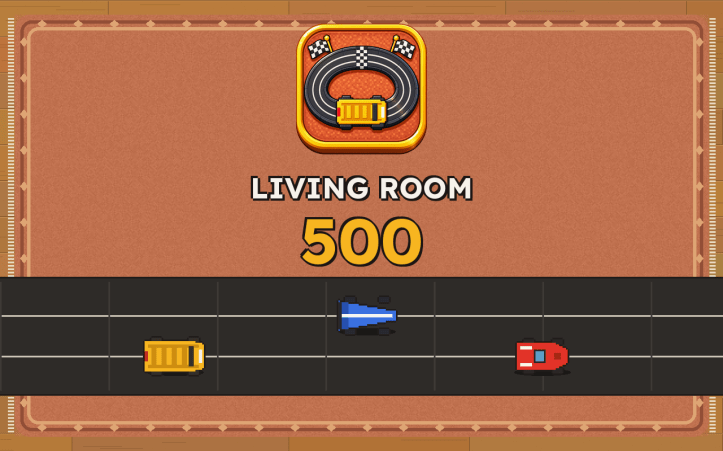
Living Room 500 – Support
Developer: GameShoutOut · support@gameshoutout.com
How to play
- Touch and hold anywhere on the screen to speed up. Let go to slow down. That is the whole control scheme – there is no steering, because the car rides in a groove and steers itself.
- Tap a track picture to choose a circuit, tap a car to choose a car, then tap the green GO button.
- Corners have a speed they forgive. Go in too fast and the back of the car wiggles, the motor rises in pitch, and the tires hiss – that is your cue to let go.
- If you come off the track, a giant hand puts your car back where it left. You lose a few seconds and nothing else. There are no lives and no game over.
- Finish first or second to unlock the next circuit. Clearing the second and fourth circuits also unlocks a new car.
- Three modes sit under the cars: Race (five laps against rivals), Best lap (alone, chasing your record), and Free play (no rivals, no lap count, drive as long as you like).
Common questions
Does the game need the internet?
No. It asks your tablet for no permissions at all and cannot connect to anything. It works fully offline, including in airplane mode and in the car.
Are there ads or in-app purchases?
No, and there never will be in this game. You buy it once and that is the whole transaction. There is also no link that leads out of the app.
How do I steer?
You do not, and that is the point. Real toy race cars run in a slot in the track, so steering is handled for you. The only skill is deciding when to lift off the throttle.
My child keeps flying off the track.
They are holding the throttle through the corners. The game warns before it happens – the car’s tail wiggles, the motor note climbs, and skid marks appear – so the trick is to let go when the wiggle starts. Coming off the track is never a failure: the hand puts the car straight back, so it is safe to keep experimenting. The yellow schoolbus is the most forgiving car and is the one to learn on.
My child cannot read yet. Can they play?
Yes. Nothing needs reading. Circuits are shown as pictures of the track, car strengths are shown as little bars, and every button is an icon. The only word on the way into a race is on the green GO button, which also carries a checkered flag.
What is free play?
A mode with no rivals, no lap counter, and no finish line – the toy simply runs until you stop it. It is the gentlest way in for a very young player, and there is nothing on screen to read or lose.
We had to stop in the middle of a race.
Nothing is lost. When the tablet sleeps or closes the game, it remembers exactly where every car was. Open the game again and the race is waiting on the pause screen – tap the arrow to carry on, or tap the house to go back to the track picker.
How do I turn the sound off?
Tap the speaker button in the top right corner of the title screen or the track picker, or open the pause screen during a race. The setting is remembered. The game is fully playable silent – every sound has something on screen that says the same thing.
What is the cat paw?
From the third lap onward, the cat takes a swipe at the track. Its shadow appears a full lap before the paw does, always in the same spot, so you can plan for it. It is meant to be funny, not cruel – and like everything else, the worst it costs is a few seconds.
The unlocked tracks and cars disappeared.
Progress is stored only on the device. Uninstalling the game deletes it, and there is no way to move it to another tablet. The game keeps one set of progress per device, so children sharing a tablet share the unlocks – which usually works out, since nothing can be lost or spent.
The game will not start, or it freezes.
Fully close the app and reopen it. If that does not help, restart the tablet. If it still does not work, email us with your device model and we will dig in.
How do I get a refund?
Purchases are handled by the app store you bought from, so refunds go through their standard process. If something is wrong with the game, tell us too – we want to fix it.
Contact
Email: support@gameshoutout.com
We are a small shop and we read everything. Include your device model if you are reporting a problem.
Living Room 500 · Privacy · Support · Published by GameShoutOut.
 GameShoutOut